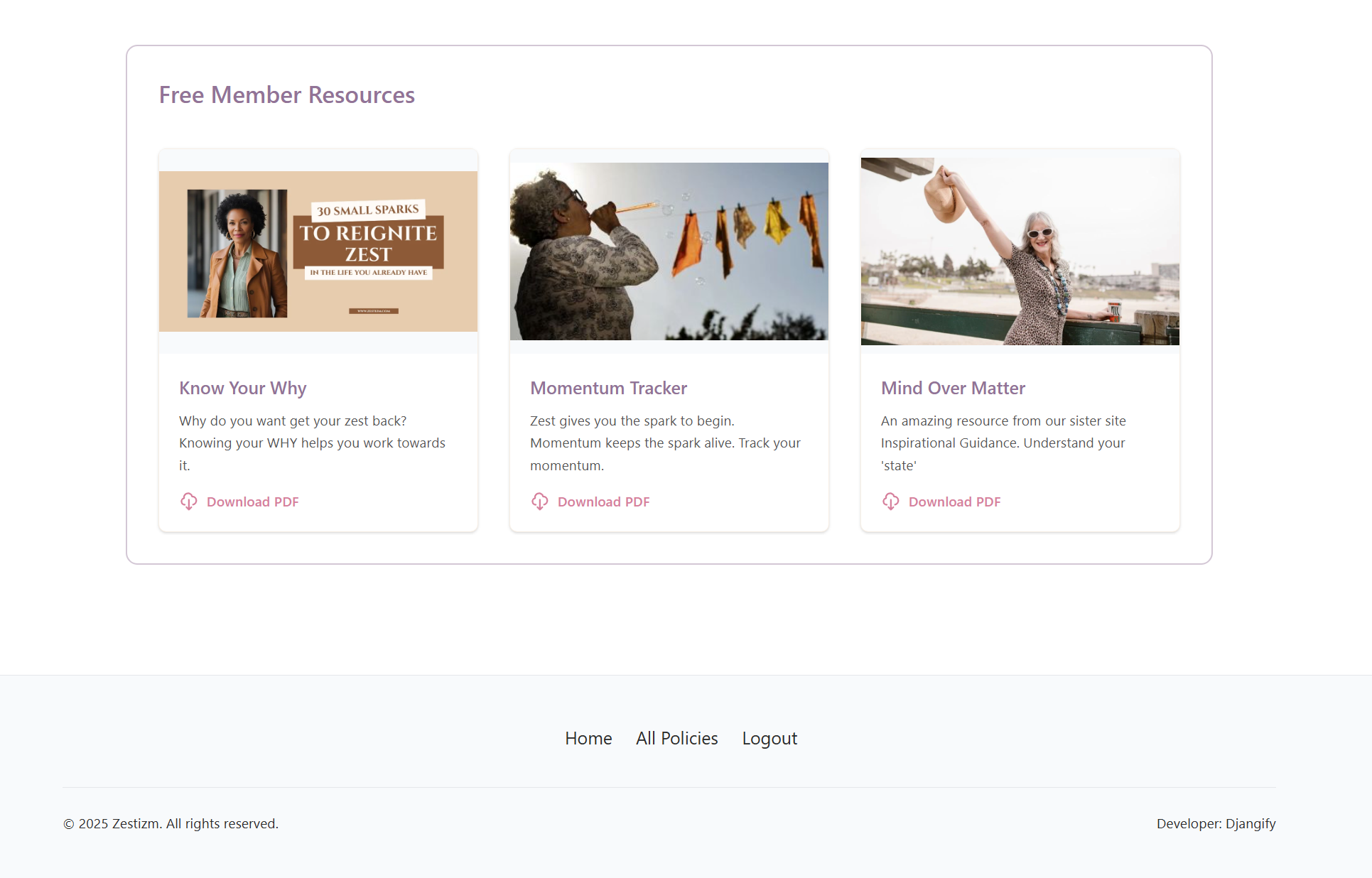
A great way to encourage people to register their details is to offer free downloads. You can add any free downloads you already provided in your eCommerce site and they will appear in the user dashboard.
At the very top left you see Members Resources.

Click on that and upload the PDF and an image, add a title and click save.
If you deselect "Is Active" the resource will disappear from the members area dashboard.
Resources are listed in date order with the most recent being shown first but you can dictate the order by selecting "Order" and your resources will be listed in the numerical order of your choice.

The image and your description appear in the members area along with the download button for your resource(s). You can see an example of this when you log into the djangify.com site. Below is the download area of zestizm.com in the brand colours.